
If you want to keep clear records and present your business professionally, custom weight ticket printing is the way to go. It lets you add all the important details to your receipts so you don’t miss anything crucial in your transactions. This helps you track sales, deliveries, and stock better, especially if you run a kirana, mandi, or warehouse where weighing is routine.
Why Customize Weight Tickets?
Customizing your weight tickets improves your business documentation by making sure every slip has the right information. Instead of just printing a weight, you can include details like the date, party name, vehicle number, and material description. This makes your records more useful when you check stock or handle audits.
A well-detailed ticket also looks professional. When customers see a clear, complete receipt, it builds trust. It shows you take your weighing and billing seriously, which matters in markets where many deals happen on trust and repeat business.
The universal thermal printer supports full customization, so you can tailor your receipts exactly to what your business needs.
Editable Headers and Footers
Headers and footers on your weight tickets are the first and last things your customers see. Use the header to add your company name and contact details. This way, anyone who looks at the ticket knows exactly where it came from and how to reach you.
Footers are great for including date and time stamps. These are essential for record keeping, especially when you deal with multiple deliveries or batches in a day. You can also add vehicle and party details here, which helps track who brought the goods and when.
Customizing these sections means you decide what text appears, how big it is, and even the font style to keep your brand consistent.
When deciding what to include in headers and footers, consider what your customers and your own staff need to see at a glance. Keep it clear and uncluttered to avoid confusion.
Custom Data Fields
Every business has unique details to record. For example, in a mandi, you might want to print the type of grain or vegetable being weighed. In a scrap yard, the material description is vital for pricing and sorting.
Vehicle numbers are another key detail. They help you track shipments and deliveries accurately. Party names and other specifics like batch numbers or customer IDs can also be included to avoid confusion later.
The universal thermal printer lets you add all these custom data fields to your tickets. This flexibility means you don’t have to write extra notes by hand or keep separate logs.
When setting up your custom fields, think about the information that will save you time during audits or help resolve disputes quickly. Avoid overloading the ticket with unnecessary data that could make it harder to read.
Font Size and Layout Options
Receipts should be easy to read, even in busy or dimly lit shops. Adjusting font sizes helps make important information stand out. For example, the weight and total price can be larger, while less critical details can be smaller.
Organizing the layout logically means grouping related information together. Put the party name near the material description, or keep vehicle details close to the date and time. This helps anyone reading the ticket find what they need quickly.
The universal thermal printer supports font size adjustments and layout customization. This ensures your receipts are clear and professional, even when printed on 58 mm paper.
When choosing font sizes and layout, test print a few samples to see how they look in real conditions. Make sure the text is legible from a normal reading distance and that the ticket fits well on your chosen paper size.
See it in action
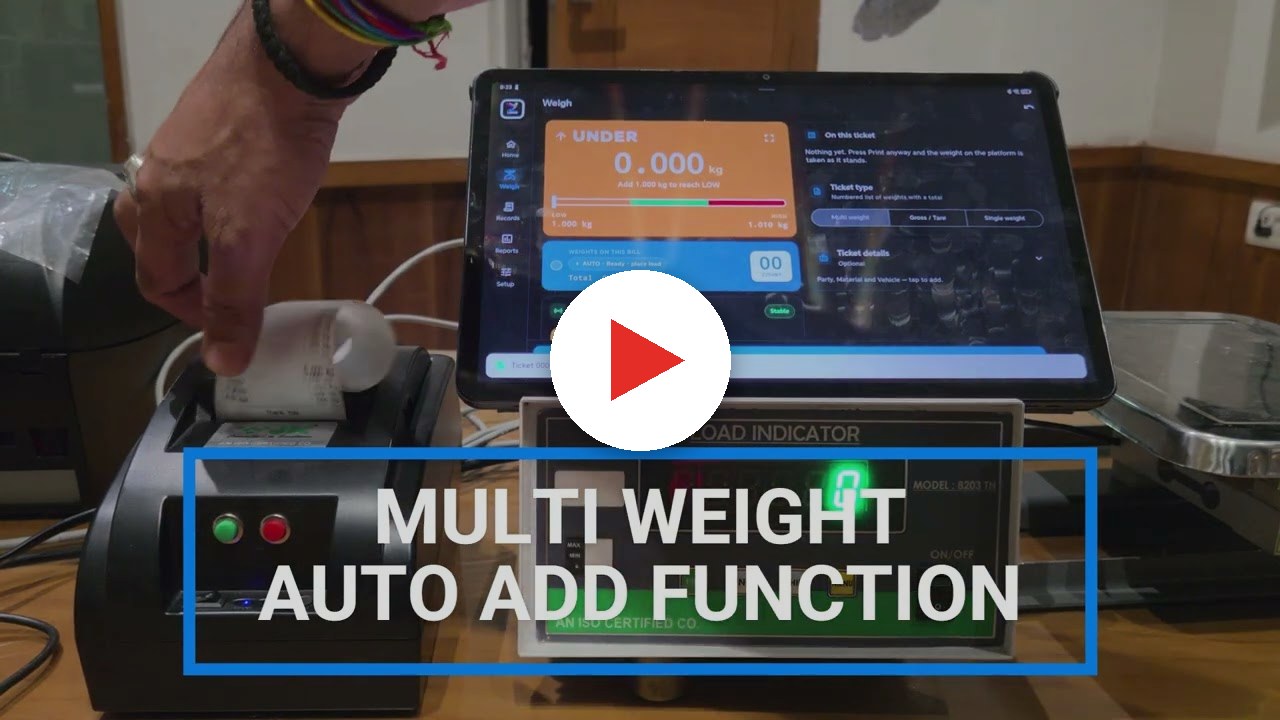
Benefits of Customization
Customizing your weight tickets leads to better record keeping. When every ticket has all the details you need, it’s easier to track sales, deliveries, and stock movements. This reduces mistakes and saves time during audits.
It also improves customer communication. A clear, detailed receipt answers many questions customers might have about their purchase or delivery. This builds confidence and can reduce disputes.
You can view live weights and export reports as Excel or PDF files, making your record management even simpler.
For shops, warehouses, or weighbridge operators looking for a reliable and flexible printer, the universal thermal printer offers a practical solution with direct RS-232 connection to any weighing scale, no extra hardware needed, and full customization options.
Frequently asked questions
Can this printer connect to any brand of weighing scale?
Yes, it connects directly via the RS-232 port and is compatible with any brand.
Is external hardware or a PC needed to operate this printer?
No, the printer has built-in processing and does not require external hardware or a PC.
What print modes does the printer support?
It supports single weight, gross/tare/net, and multi-item batch print modes.
Can I customize the receipt headers and footers?
Yes, headers, footers, font sizes, and other details like party name and vehicle number are fully editable.
If you want to improve your business documentation and customer communication with clear, customized weight tickets, enquire about the universal thermal printer today. It’s designed to fit your existing weighing setup and make your printing hassle-free with smart features and mobile app control.
About the Author
JB Corporation is a member of the JB Corporation team with expertise in our products and industry solutions.